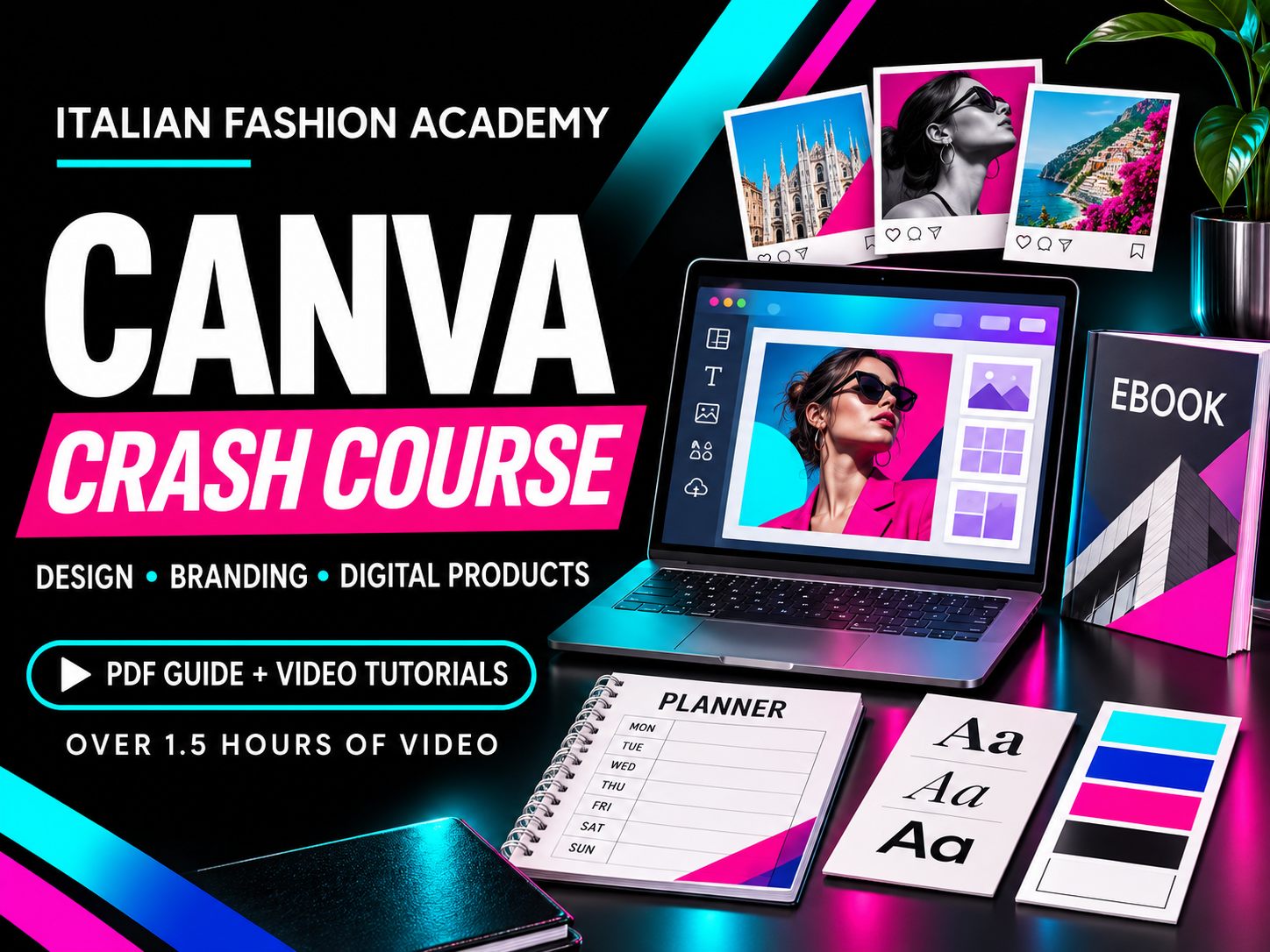
Canva Crash Course — Design, Branding & Digital Products
Learn how to turn your ideas into polished visual content with this practical Canva course from Italian Fashion Academy. Whether you are creating content for a fashion brand, promoting your business, or developing digital products, this course introduces the tools and techniques that help you design with greater confidence.
With a step-by-step PDF guide and over 1.5 hours of video tutorials, you can follow along at your own pace and revisit each topic while working on your projects.
What you will learn
-
Getting started with Canva: Set up your account, choose templates, create custom-sized designs, and begin a project from scratch.
-
Understanding your workspace: Navigate the editor and work with text, colours, alignment, spacing, transparency, and design elements.
-
Working with images and layouts: Upload photos and videos, use grids and frames, arrange layers, and lock elements in place.
-
Typography and branding: Explore font pairings, add clickable hyperlinks, and learn how to organise your visual identity using Brand Kit.
-
Exploring Magic Studio: Discover tools covered in the guide for removing backgrounds, editing and expanding images, generating content, resizing designs, and assisting with writing and animation.
-
Saving and sharing: Understand export options including PDF, JPG, PNG, and MP4, and learn how to share editable templates.
-
Using apps and creative features: Explore whiteboards, product mockups, Magic Morph, and background replacement.
-
Creating digital products: Follow tutorials on designing planners, e-books, guides, and flashcards.
Who is this course for?
This course is suitable for beginners, fashion students, independent designers, small-business owners, and content creators who want to develop their visual communication skills. It is also useful for anyone who already uses Canva and wants to explore more of the tools covered in the guide.
Put your skills into practice
Apply what you learn to social media content, branded materials, presentations, and downloadable resources. Develop a more organised design workflow and create visuals that communicate your ideas clearly.
Course format: PDF guide with video tutorial links, organised into eight chapters. The guide includes over 1.5 hours of video tutorials for self-paced learning.
Requirements: A Canva account and internet access to use Canva and watch the videos. You can begin with a free account; some demonstrated tools require Canva Pro or other paid access. A Canva subscription is not included.